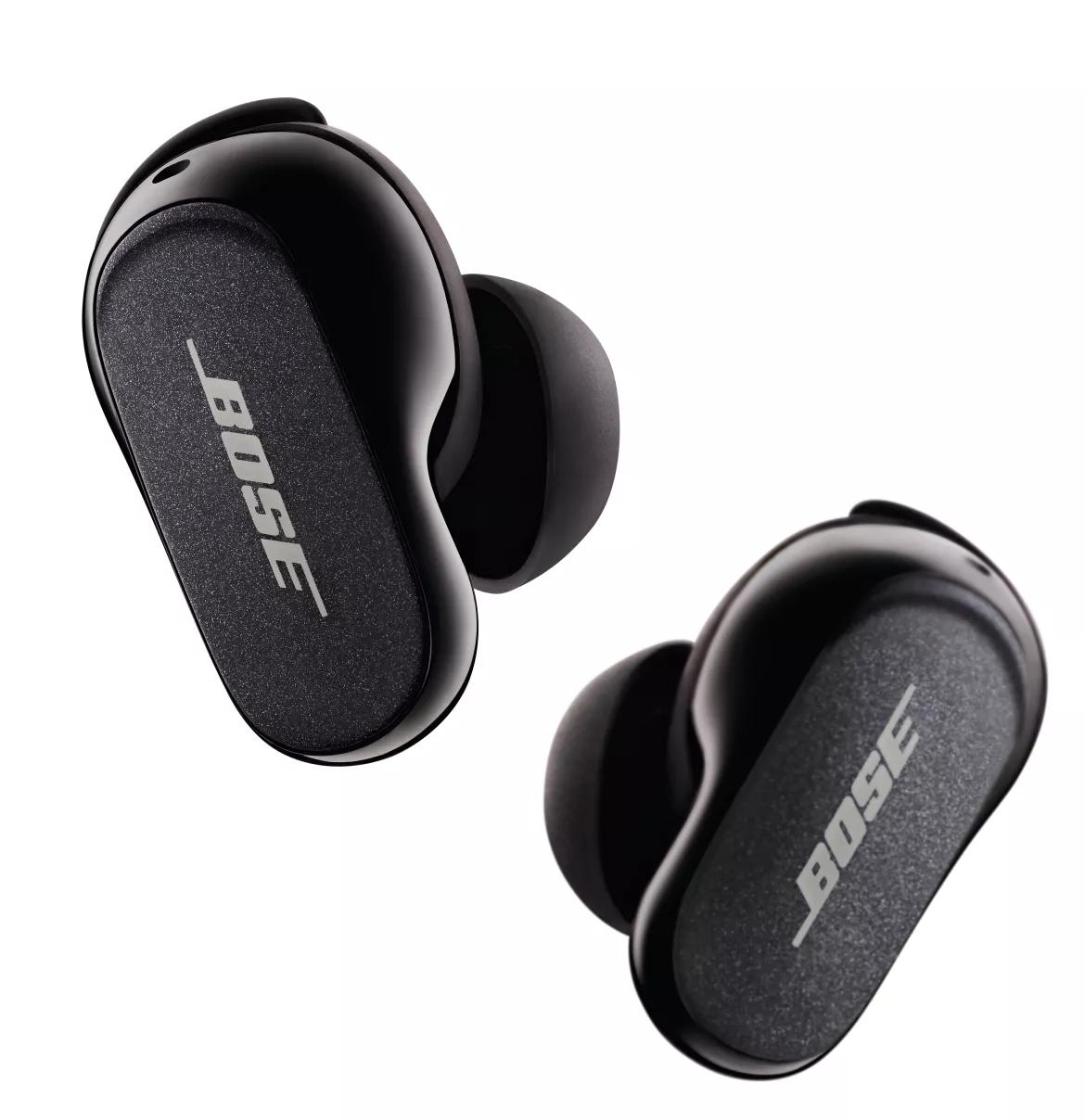
イヤホンが電源を入れられない | Bose QuietComfort Earbuds II
bose-quietcomfort-earbuds-ii
Bose QuietComfort Earbuds II販売元 2022 - 2025

イヤホンが電源を入れられない | Bose QuietComfort Earbuds II

Make sure the case and earbuds are charging

If your earbuds won’t turn on, it’s likely because the batteries in the earbuds and case are drained. Follow these steps to recharge them:

  1. Connect the case to a power source: Plug a USB-C cable into the case’s charging port. Connect the other end to a power source. For best results, use a wall charger, but a computer USB port will also work.
  2. Check the charging light: When connected to power, the LED light on the front of the case should glow. This shows the case is charging.
  3. Place the earbuds in the case: Open the charging case and securely place both earbuds inside. They should snap into position, and the LED inside the case will light up.

Important: If either of the case LEDs do not turn on as described, it means your earbuds might not be charging properly. For help, refer to the article titled Earbuds Will Not Charge

Avoid Extreme Temperatures When Using the Earbuds

These earbuds work best between 40°F and 105°F (5°C and 40°C). If they don’t turn on, let them reach room temperature. Avoid storing them in extreme heat or cold.

イヤホンをリセットする

リセットを行うと、イヤホンの軽微な問題や断続的な不具合が改善されることがあります。

  1. 両方のイヤホンをケースに戻し、蓋を閉じてください。
  2. USB-Cケーブルをケースに接続し、充電器またはコンピューターにつなげます。LEDライトが点灯していることを確認してください。
  3. 蓋を閉じたまま、ケース背面のボタンを約30秒間押し続け、LEDが消えるまで待ちます。
  4. ケースを開けてイヤホンを取り出し、耳に装着します。ウェルカムトーンが聞こえればリセット完了です。

イヤホンは交換する必要があります。

上記の手順で問題が解決しない場合は、イヤホンの交換が必要です。以下の 修理または交換を開始する をクリックしてオンラインで手続きを始めてください。サービスを受ける最も速く簡単な方法です。

追加のサポートコンテンツ

Support Videos

Related Articles
Power Specifications

FeatureDetails
Battery Runtime6 hours (earbuds); additional 18 hours (case)
USB Charger RequirementsUSB-C, 5V DC, 1.2A
Charge TimeEarbuds: 1 hour; Charging case: 3 hours
Quick-charge time20 minutes for up to 2 hours
Battery Charging Temperature Range41 to 104 °F (5 to 40 °C)

これは役に立ちましたか?

YES
NO
修理または交換を開始する