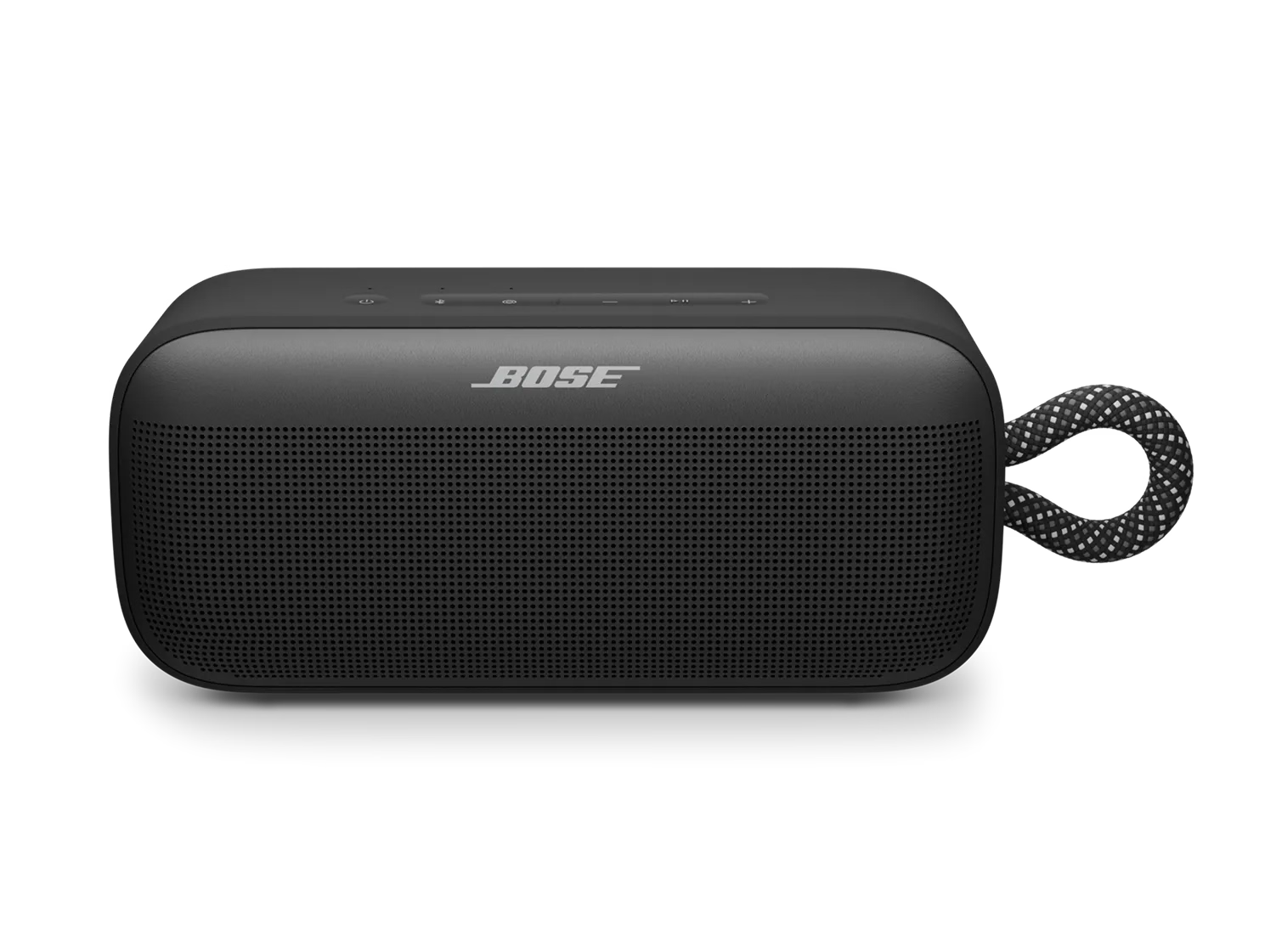
製品の電源が入らない | Bose SoundLink Plus Portable Speaker
bose-soundlink-plus-portable-speaker
Bose SoundLink Plus Portable Speaker販売元 2025

製品の電源が入らない | Bose SoundLink Plus Portable Speaker

Connect the speaker to power for 15 minutes.

If your speaker hasn’t been used for a while, it may enter battery protection mode. To exit this mode:

  1. Plug a USB cable directly into the speaker. You should hear a tone from the right side of the speaker.
  2. Allow it to charge for 15 minutes. If using a third-party charger, ensure that the power supply provides 5 volts DC and 3 amps.
  3. After 15 minutes, press the power button to turn on the speaker and attempt to play sound, both while still plugged in and then whilst unplugged.

製品の電源を入切する際は、電源ボタンを押し続けないでください。

製品の電源を入れるまたは切るには、 電源 ボタンを素早く押して離してください。 \"icon\"また、 電源 ボタンを一瞬でも長押しすると、バッテリー残量が確認されるだけで、製品の電源はオン・オフされません。

製品をリセットしてください。

リセットを行うと、スピーカーの内部設定がリフレッシュされ、軽微な問題の解決に役立つ場合があります。

  1. 電源 \"icon\" ボタンを 15秒間長押ししてください。
  2. スピーカーの電源が切れ、自動的に再度オンになります。

以前に接続した機器は削除されません。

Inspect the charging port and cable.

Check the charging port for any debris or damage. Ensure that the charging cable is functioning by testing it with another device or using a different cable to charge the speaker.

別のケーブルや電源をお試しください。

別のケーブルや、コンピュータ、USB充電器、コンセントなどの別の電源を使って製品を接続してみてください。

製品のアップデートが利用可能か確認し、あればインストールしてください

ご使用中の製品にどのような問題が発生している場合でも、まずは製品のアップデートをお試しください。次のウェブサイトにアクセスし、 btu.Bose.com の指示に従って、最新の機能や改善がご利用いただけることをご確認ください。

Factory restore your speaker.

Restoring to factory settings can resolve persistent issues. To restore your speaker to its original settings:

  1. Press and hold both the – and + buttons at the same time for 15 seconds.
  2. Wait until the power light blinks white for 3 seconds.

Important: This will erase all settings and return your speaker to its factory state. You will need to remove the speaker from your personal device's (phone, tablet, or computer) Bluetooth list and reconnect it.

これは役に立ちましたか?

YES
NO
修理または交換を開始する