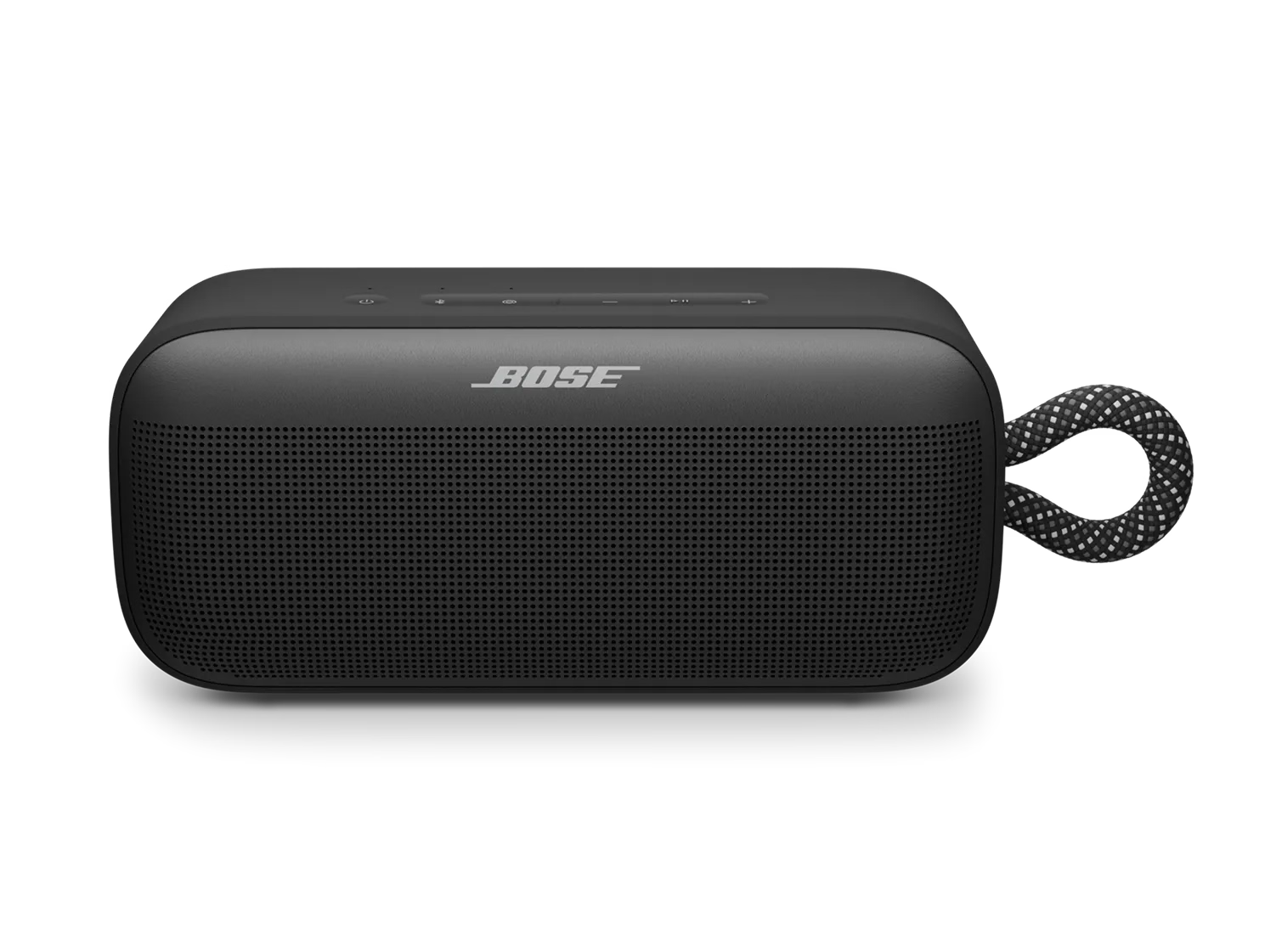
Difficulty using the Speaker Link Feature | Bose SoundLink Plus Portable Speaker
bose-soundlink-plus-portable-speaker
Bose SoundLink Plus Portable Speaker販売元 2025

Difficulty using the Speaker Link Feature | Bose SoundLink Plus Portable Speaker

Linking is a feature available with the following speakers:

  • SoundLink Flex Portable Speaker (2nd Gen)
  • SoundLink Max Portable Speaker
  • SoundLink Micro Portable Speaker (2nd Gen)
  • SoundLink Plus Portable Speaker
Note: Stereo mode is only available between two speakers of the same model.

Ensure both Bose-app-compatible speakers are powered on and have the Speaker Link shortcut enabled.

Bose-app-compatible Bluetooth speakers can only link together by enabling the speaker link shortcut on both speakers. For more information, see Using the Shortcut Button and Linking Multiple Speakers .

If using two of the same speakers, name them differently in the Bose app.

When connecting two same-model speakers, give them different names to help distinguish between the two. For more info, see Renaming a product.

製品のアップデートが利用可能か確認し、あればインストールしてください

ご使用中の製品にどのような問題が発生している場合でも、まずは製品のアップデートをお試しください。次のウェブサイトにアクセスし、 btu.Bose.com の指示に従って、最新の機能や改善がご利用いただけることをご確認ください。

Try moving the products further apart

If you're experiencing audio delays when linking your speakers, adjusting the distance between them can help improve interference and synchronization. Keep them within Bluetooth range, which is about 33 feet (10 meters). However, this range can be reduced by walls, metal objects, doors, or other Bluetooth devices in the area.

製品をリセットしてください。

リセットを行うと、スピーカーの内部設定がリフレッシュされ、軽微な問題の解決に役立つ場合があります。

  1. 電源 \"icon\" ボタンを 15秒間長押ししてください。
  2. スピーカーの電源が切れ、自動的に再度オンになります。

以前に接続した機器は削除されません。

Factory restore your speaker.

Restoring to factory settings can resolve persistent issues. To restore your speaker to its original settings:

  1. Press and hold both the – and + buttons at the same time for 15 seconds.
  2. Wait until the power light blinks white for 3 seconds.

Important: This will erase all settings and return your speaker to its factory state. You will need to remove the speaker from your personal device's (phone, tablet, or computer) Bluetooth list and reconnect it.

製品にサービスが必要です

これらの手順で問題が解決しない場合は、下の 修理または交換を開始 をクリックして、ご利用いただけるオプションをご覧ください。

これは役に立ちましたか?

YES
NO
修理または交換を開始する