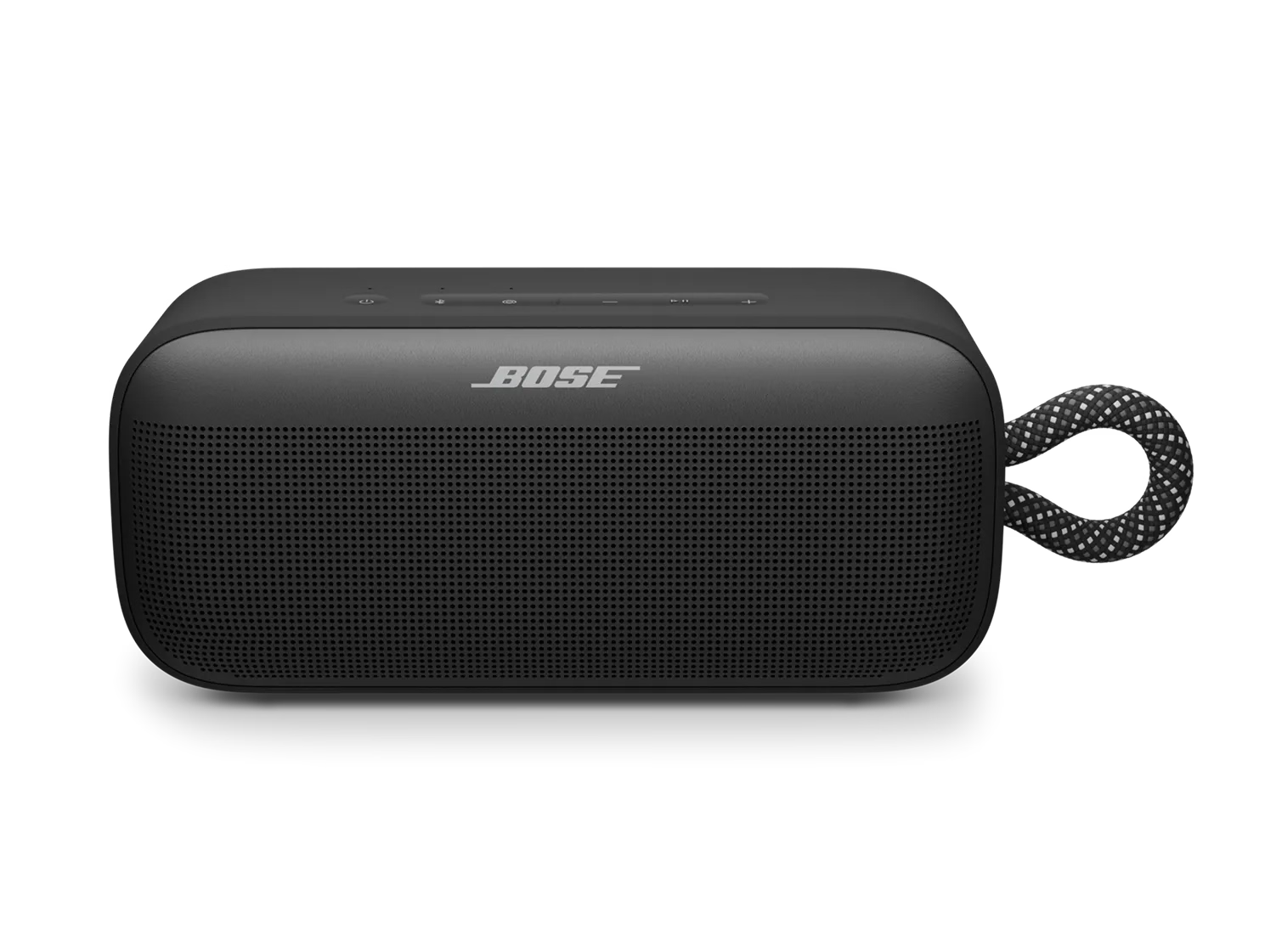
パーティーモードまたはステレオモードの使用が難しい | Bose SoundLink Plus Portable Speaker
bose-soundlink-plus-portable-speaker
Bose SoundLink Plus Portable Speaker販売元 2025

パーティーモードまたはステレオモードの使用が難しい | Bose SoundLink Plus Portable Speaker

Party and Stereo modes work with the following Bose app-compatible speakers:

  • SoundLink Flex Portable Speaker (2nd Gen)
  • SoundLink Max Portable Speaker
  • SoundLink Micro Portable Speaker (2nd Gen)
  • SoundLink Plus Portable Speaker
Note: Stereo mode is only available between two speakers of the same model.

Ensure both Bose-app-compatible speakers are powered on and have the Speaker Link shortcut enabled.

Bose-app-compatible Bluetooth speakers can only link together by enabling the speaker link shortcut on both speakers. For more information, see Using the Shortcut Button and Linking Multiple Speakers .

If using two of the same speakers, name them differently in the Bose app.

When connecting two same-model speakers, give them different names to help distinguish between the two. For more info, see Renaming a product.

Try moving the products further apart

If you're experiencing audio delays when linking your speakers, adjusting the distance between them can help improve interference and synchronization. Keep them within Bluetooth range, which is about 33 feet (10 meters). However, this range can be reduced by walls, metal objects, doors, or other Bluetooth devices in the area.

製品をリセットしてください。

リセットを行うと、スピーカーの内部設定がリフレッシュされ、軽微な問題の解決に役立つ場合があります。

  1. 電源 \"icon\" ボタンを 15秒間長押ししてください。
  2. スピーカーの電源が切れ、自動的に再度オンになります。

以前に接続した機器は削除されません。

Clear and re-pair your speaker.

If there’s an issue with device memory, clearing the pairing list may help.

To clear the pairing list and link your speakers:

  1. Remove your speaker from the paired devices list on your personal device (phone, tablet, or computer).
  2. Press and hold the Bluetooth button \"icon\" on your speaker until you hear \"Bluetooth device list cleared.\"
  3. Select your speaker from the available devices list and tap Pair or Connect.
  4. On the speaker connected to your personal device, press the Shortcut button \"icon\" once to start linking.
  5. On the second speaker, press the Shortcut button \"icon\" once and wait for the speakers to link.

利用可能な製品アップデートがないか確認し、あればインストールしてください。

Factory restore your speaker.

Restoring to factory settings can resolve persistent issues. To restore your speaker to its original settings:

  1. Press and hold both the – and + buttons at the same time for 15 seconds.
  2. Wait until the power light blinks white for 3 seconds.

Important: This will erase all settings and return your speaker to its factory state. You will need to remove the speaker from your personal device's (phone, tablet, or computer) Bluetooth list and reconnect it.

製品にサービスが必要です

これらの手順で問題が解決しない場合は、下の 修理または交換を開始 をクリックして、ご利用いただけるオプションをご覧ください。

これは役に立ちましたか?

YES
NO
修理または交換を開始する